

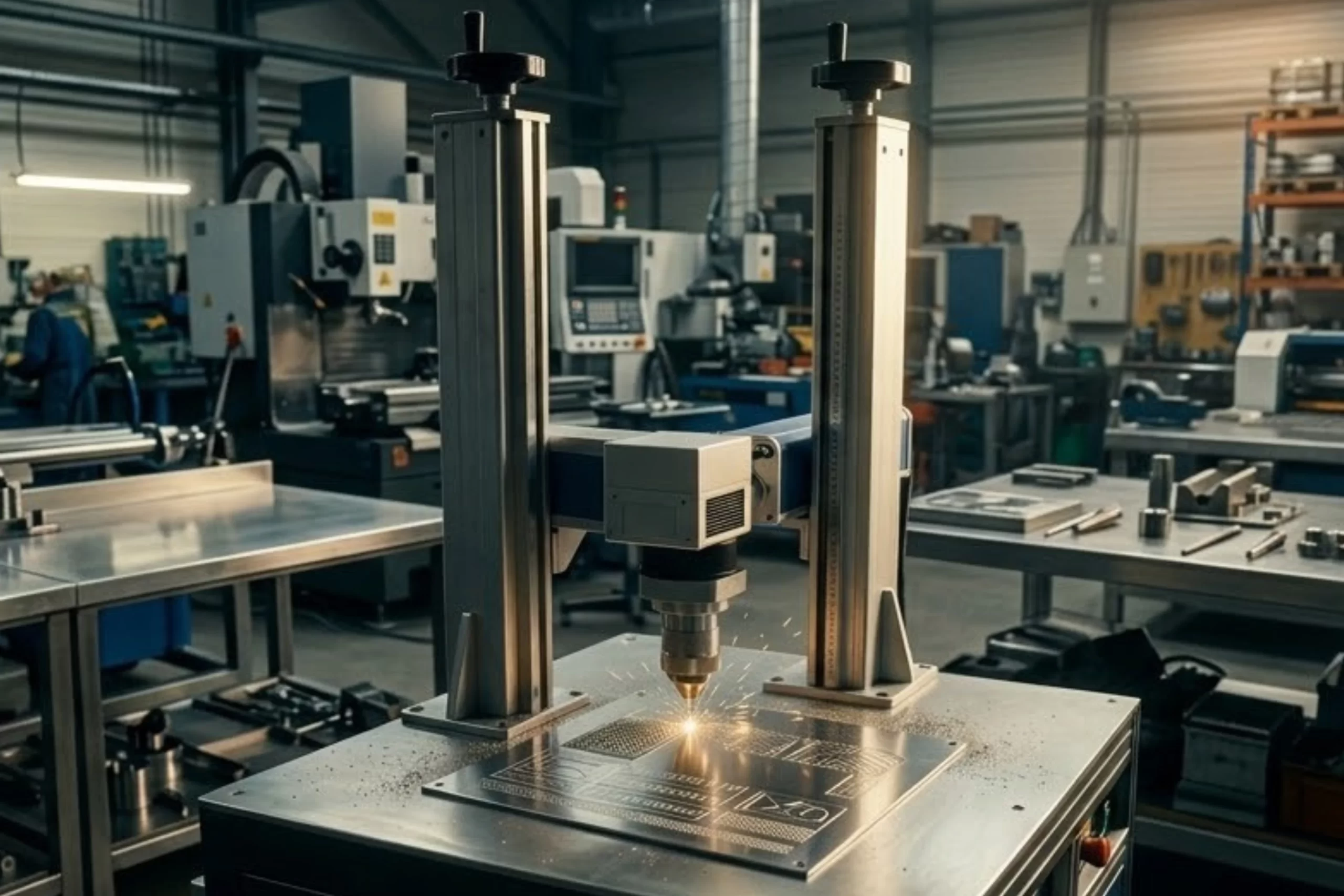
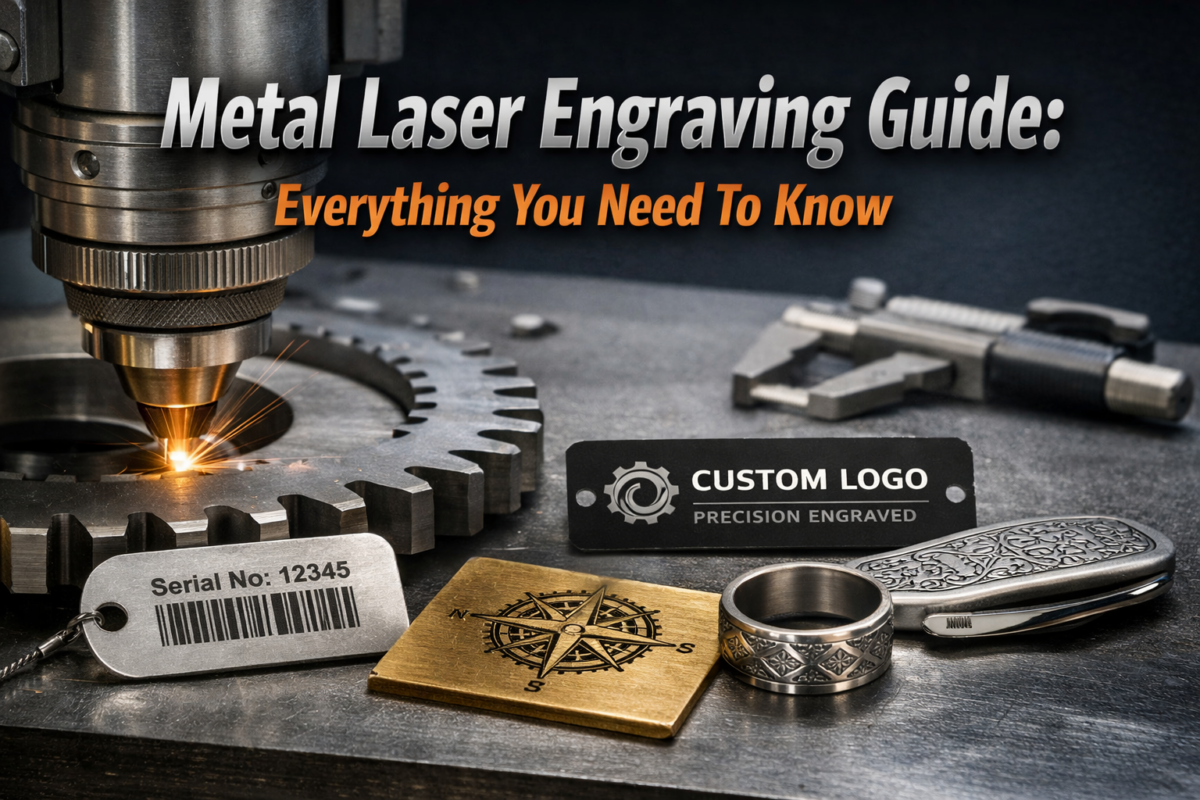
Metal laser engraving is a modern method for marking or designing metal surfaces with precise laser energy. Unlike traditional tools, it does not require physical contact, which helps maintain clean, repeatable patterns. Many professionals use metal laser engraving to add numbers, logos, or decorative elements to items.
Understanding the process helps beginners approach it confidently while avoiding errors. Whether working on stainless steel, aluminum, or titanium, knowing how metal interacts with laser light is essential before starting any engraving project.
Table Of Contents
- What Is Metal Laser Engraving?
- How Metal Laser Engraving Works
- Choosing The Right Metal For Laser Engraving
- Types Of Laser Engraving Machines For Metal
- Steps For Metal Laser Engraving
- Software And Design Tips For Metal Laser Engraving
- Common Issues And Troubleshooting In Metal Laser Engraving
- Advanced Applications Of Metal Laser Engraving
- Safety Guidelines For Metal Laser Engraving
- Conclusion: Getting Started With Metal Laser Engraving
- Frequently Asked Questions
What Is Metal Laser Engraving?
Metal laser engraving is a precise method for marking or customizing metal surfaces using a focused laser beam. Unlike traditional tools, it does not require physical contact, which helps reduce mechanical wear and maintain surface integrity.
Key Points:
- Uses a focused laser beam to mark or customize metal surfaces
- Non-contact process that reduces tool wear and surface damage
- Works on metals such as stainless steel, aluminum, brass, and titanium
- Ideal for text, logos, serial numbers, and decorative designs
- Delivers high accuracy and consistent, repeatable results
- Produces durable and long-lasting markings
- Supports fast processing for both small and large projects
How Metal Laser Engraving Works
Metal laser engraving works by directing a focused laser beam onto a metal surface to remove material or change its color. Understanding the interaction between the laser and metal ensures precise, consistent markings.
Laser-metal interaction
- The laser concentrates energy to heat the metal locally, creating an etched or darkened mark.
- Depending on power and speed, it can vaporize a thin layer or change the surface finish.
- Proper settings control depth, avoid warping, and maintain sharp detail.
- Knowing how to laser engrave metal helps prevent unwanted discoloration or surface damage.
Understanding the heat-affected zone (HAZ)
- HAZ is the area around the engraving where heat alters the metal’s microstructure.
- Smaller HAZ reduces distortion and preserves surrounding metal properties.
- Adjusting laser power, speed, and focus minimizes HAZ.
- Controlling HAZ is crucial when learning to laser engrave metal for precise, clean results.
Choosing The Right Metal For Laser Engraving
Selecting the right metal is crucial for effective metal laser engraving. Different metals react differently to heat and laser energy, affecting clarity and precision.
Common metals – stainless steel, aluminum, titanium
- Stainless steel is highly durable and widely used for industrial engravings.
- Aluminum is lightweight and reflective, so settings must be carefully adjusted.
- Titanium offers excellent corrosion resistance and works well for detailed engraving.
- Understanding the metal’s properties improves outcomes when learning how to laser engrave metal.
Alloys and specialty metals – brass, copper, nickel
- Brass provides a warm tone and engraves cleanly at moderate laser power.
- Copper reflects more light and may require higher settings for visible markings.
- Nickel is durable and provides high contrast when marked with fiber lasers.
- Specialty alloys demand careful calibration to avoid burns or uneven engraving.
Surface preparation for best results
- Clean metal surfaces to remove oil, dust, or oxidation.
- Use mild abrasives or chemical cleaning, if needed, to improve laser absorption.
- Secure the metal to prevent shifting during engraving.
- Proper prep ensures consistent results for laser engraving for metal projects.
Types Of Laser Engraving Machines For Metal
Choosing the correct machine affects speed, precision, and suitability for your project. Each laser type works differently depending on metal properties and design complexity.
Fiber laser – high precision for metals
- A fiber laser uses a focused fiber optic beam for very fine engraving.
- Ideal for stainless steel, titanium, and high-durability projects.
- Can handle industrial-scale or repetitive production tasks.
- Provides precise depth control for professional metal laser engraving.
Diode laser – small projects and DIY
- Suitable for small-scale or hobby projects.
- Works well on aluminum and softer metals.
- Slower speed and lower power compared to fiber lasers.
- Popular for beginners learning how to laser engrave metal at home.
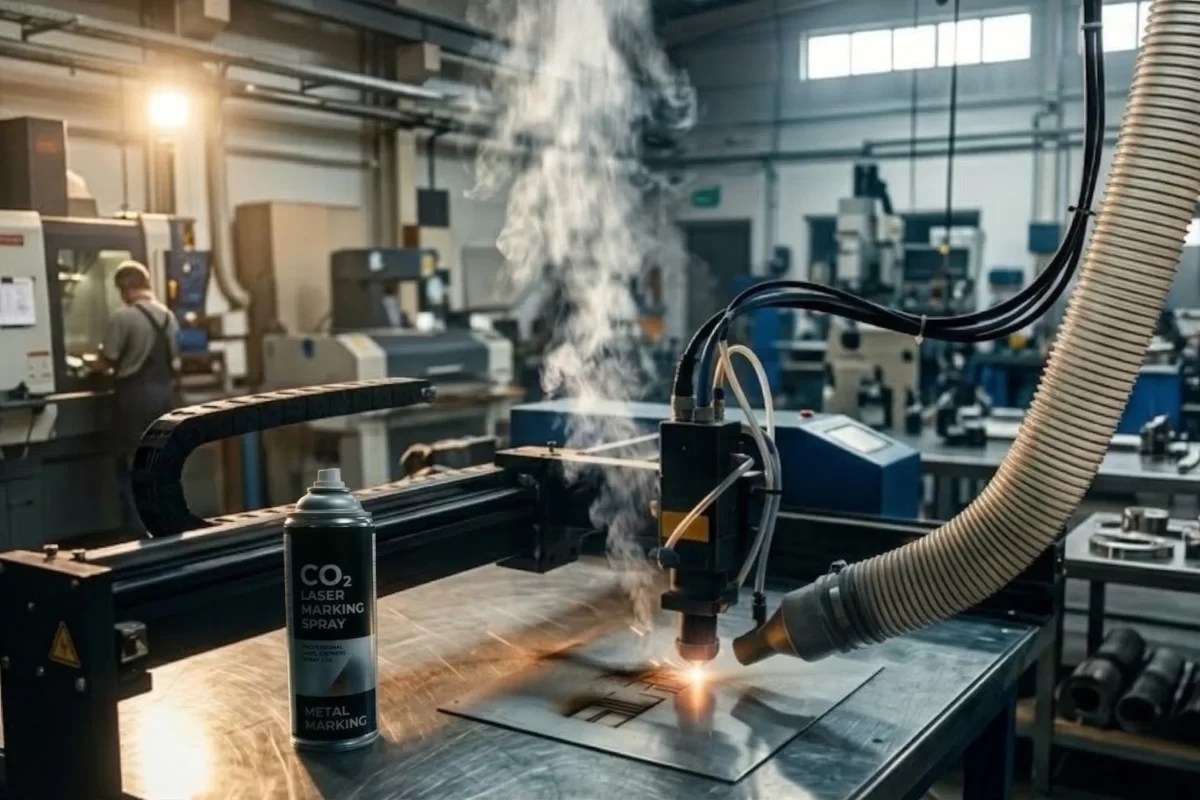
CO2 laser – used with marking spray
- A CO2 laser is effective when used with marking sprays on reflective metals like aluminum or brass.
- Provides high contrast without deep cuts into the metal.
- Often used for decorative or customized engraving projects.
- Versatile choice for applications where non-permanent markings are preferred.

Steps For Metal Laser Engraving
Getting started with metal laser engraving requires preparation, proper settings, and safety. Following the steps carefully ensures clear, consistent markings.
Preparing the metal surface
- Clean the surface to remove dust, grease, or oxidation.
- Use fine abrasives or chemical cleaners for better laser absorption.
- Secure the metal firmly to avoid movement during engraving.
- Check reflective metals for proper marking spray to improve visibility.
Setting laser power, speed, and focus
- Adjust the laser power based on the metal type and thickness.
- Set engraving speed to balance clarity and depth.
- Focus the beam precisely for consistent marks.
- Test settings on scrap metal before starting the final project.
Executing the first engraving safely
- Wear proper eye and skin protection.
- Ensure ventilation to avoid smoke or debris.
- Start with simple patterns to confirm settings.
- Monitor the process to adjust power or speed if needed.
Software And Design Tips For Metal Laser Engraving
Using the right software and properly preparing design files improves laser engraving results on metal. Planning reduces errors and saves time. Here are some tips for laser engraving design.
File types and importing graphics
- Use vector files (SVG, AI, DXF) for precise outlines.
- Raster images (PNG, JPG) work for filled designs but may lose detail.
- Import graphics into your laser control software carefully.
- Confirm dimensions match the actual metal piece before engraving.
Engraving text vs. complex designs
- Keep text clear with readable fonts for small or thin metal pieces.
- Break complex designs into layers or simpler paths to prevent errors.
- Use outlines for sharp engraving and avoid overly intricate details.
- Plan placement on the metal to avoid overlapping or misalignment.
Previewing and simulating engraving jobs
- Use the software preview to check the design position.
- Simulate the engraving to see how power and speed affect depth.
- Adjust settings before executing on the actual metal piece.
- This reduces mistakes and improves overall metal laser engraving quality.
Common Issues And Troubleshooting In Metal Laser Engraving
Even with proper preparation, some issues can arise during metal laser engraving. Recognizing problems early helps maintain clean and precise results.
| Issue | Key Causes | Recommended Solutions |
| Burn Marks or Discoloration | High laser power, slow speed, smoke buildup, reflective surfaces | Reduce power or increase speed, ensure proper ventilation, use marking spray or tape, and test settings on scrap metal |
| Ghosting or Uneven Depth | Incorrect focus, double exposure, poor vector setup, dirty optics | Adjust laser focus and height, modify speed settings, confirm proper vectorization, clean lens and mirrors |
| Reflective or Polished Surface Challenges | Low contrast, excess reflection, vibration, highly polished finish | Apply laser-safe marking spray, lower laser power, secure the workpiece firmly, and use a matte finish or surface pre-treatment |
Advanced Applications Of Metal Laser Engraving
Laser engraving for metal is not limited to basic labels or simple designs. Advanced techniques expand their industrial and creative potential.
Industrial uses – part labeling, serial numbers
- Mark serial numbers for traceability and inventory management.
- Engrave part numbers on automotive, aerospace, or machinery components.
- Ensure permanent, high-contrast markings for compliance and quality control.
- Use automated laser systems for repetitive or high-volume production.
Creative projects – jewelry, gifts, art
- Personalize jewelry with initials, logos, or decorative patterns.
- Create custom gifts, plaques, and awards with precision detailing.
- Use laser engraving on metal for artistic etching in small or delicate pieces.
- Combine multiple passes or layers for shading and texture effects.
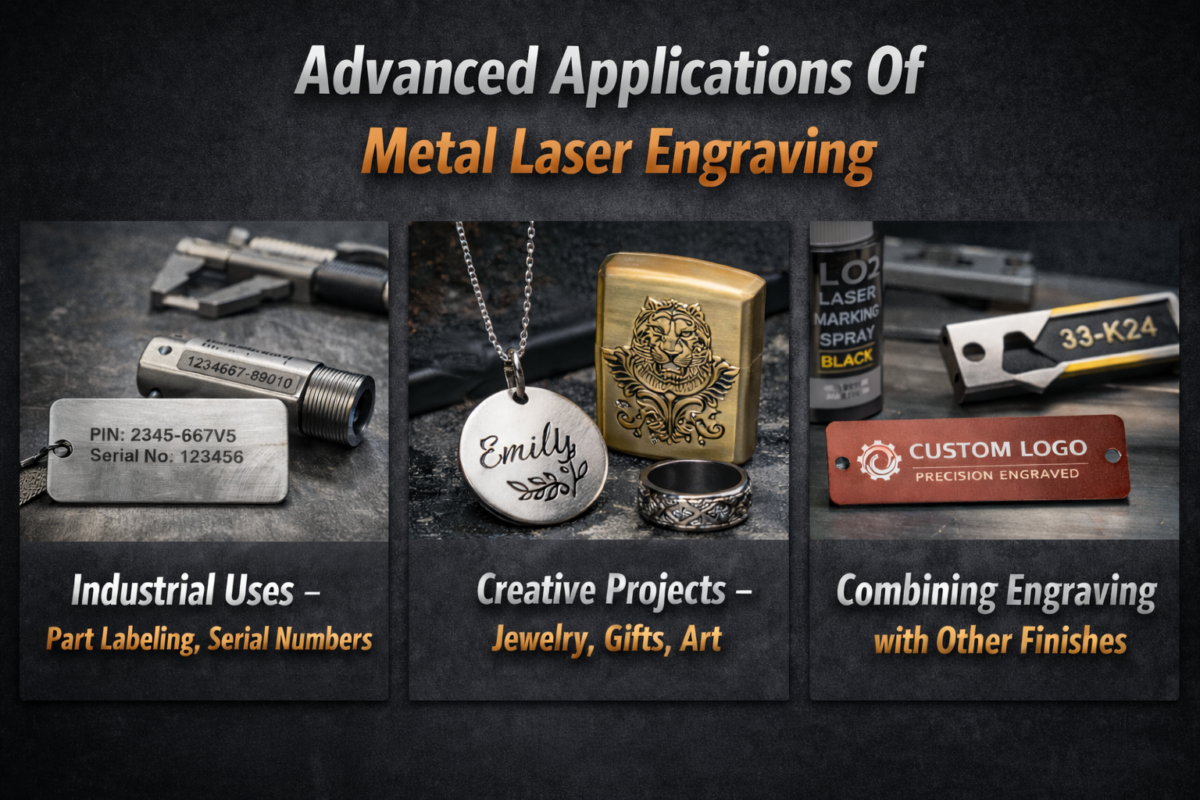
Combining engraving with other finishes
- Integrate engraving with anodizing, powder coating, or plating for visual contrast.
- Apply paint or inlays to engraved designs for enhanced readability.
- Use masking techniques to protect surrounding areas during engraving.
- Combine texturing and engraving to enhance both functionality and visual appeal.
Safety Guidelines For Metal Laser Engraving
Working with metal laser engraving requires attention to operator and equipment safety. Following proper precautions prevents accidents and ensures reliable results.
Eye, skin, and respiratory protection
- Always wear laser-rated safety goggles specific to your laser type.
- Use heat-resistant gloves to protect your hands from hot surfaces.
- Wear long sleeves and protective clothing to shield skin from stray reflections.
- Ensure proper respiratory protection if fumes or smoke are produced during engraving.
Workstation setup and ventilation
- Operate the laser on a stable, level surface to avoid movement during engraving.
- Keep the area clean and free from flammable materials.
- Use a fume extraction system or proper ventilation to remove smoke and particles.
- Provide clear signage and limit access to trained operators only.
Handling reflective metals safely
- Use matte finishes or marking sprays to reduce reflective glare.
- Avoid direct reflections into the laser’s optics to prevent damage.
- Secure the metal firmly to prevent shifting that could cause misfires.
- Maintain a safe distance and avoid looking at reflective surfaces during operation.
Conclusion: Getting Started With Metal Laser Engraving
Getting started with metal laser engraving is simple when you understand the basics, equipment, and safety requirements. Selecting a suitable laser machine—whether fiber, diode, or CO2—depends on project size and complexity. Correctly setting the laser power, speed, and focus helps avoid burn marks, uneven depth, or surface damage. Following safety guidelines, including the use of protective gear and proper ventilation, is essential. Planning designs with compatible software ensures accurate, crisp markings.
Frequently Asked Questions
1. Can you laser engrave metal?
Yes, you can laser engrave metal using fiber lasers directly, while diode and CO2 lasers often require marking agents depending on the metal type.
2. How to laser engrave metal safely at home or in a workshop?
Ensure proper eye protection, gloves, ventilation, and stable workholding. Clean and prepare the metal surface before engraving for consistent results.
3. What metals can be used for laser engraving?
Common options include stainless steel, aluminum, titanium, brass, copper, and some alloys. Surface finish affects the engraving quality.
4. How deep can laser engraving go on metal?
Depth depends on laser power, speed, and the type of metal. Fiber lasers can achieve deeper, precise engravings, while diode lasers are better for surface marking.
5. What is the difference between metal laser engraving and etching?
Engraving removes material or changes the surface to create a permanent mark. Etching usually relies on chemical or thermal reactions to slightly mark the surface without deep cuts.
6. Can a CO2 laser engrave metal?
Yes, CO2 lasers can mark certain metals, often requiring a marking spray or powder. Fiber lasers are typically more efficient for pure metal engraving.
7. Is metal laser engraving suitable for industrial and creative projects?
Absolutely. It works for serial numbers, tool marking, custom jewelry, personalized gifts, and decorative art.
If you want more such informational blogs, you can check out some of these: